Capture Every Play.
Build Their Highlight Reel.
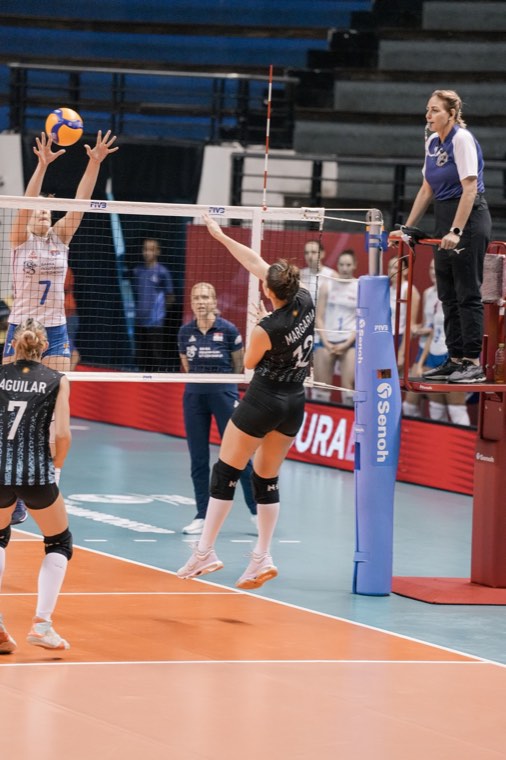
Record just the plays that matter, tag them in one tap, and turn your athlete's best moments into a highlight reel worth sharing. Six sports, one app.

- 🏐 Volleyball
- 🎾 Tennis
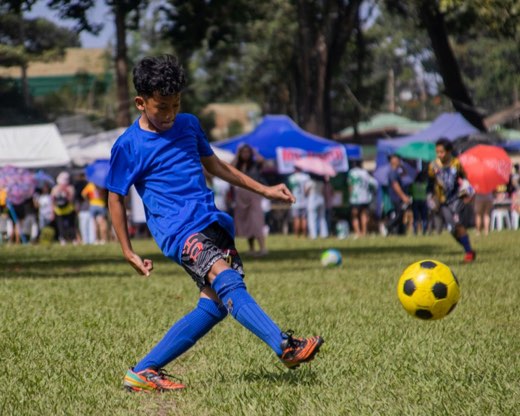
- ⚽ Soccer
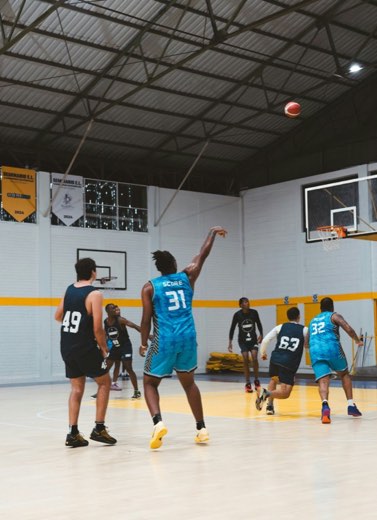
- 🏀 Basketball
- 🏈 Football
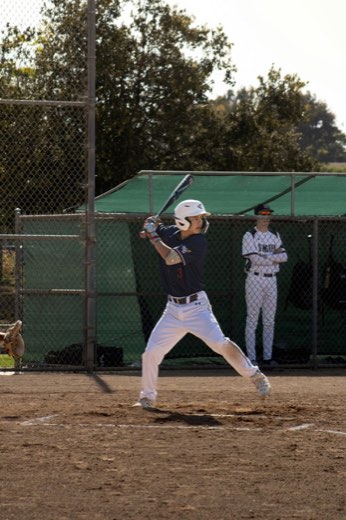
- ⚾ Baseball

 EEmma
EEmma
Record the Play, Not the Whole Game
Tap to start when the rally begins and tap to stop when it ends. No more scrubbing through two hours of footage to find the one kill that mattered.
- Record in up to 4K at 60fps, picked right from the camera
- Start and stop with a Bluetooth remote or your volume buttons, handy when your phone is on a tripod
- Front and back camera, pinch to zoom up to 6x, and flash
- Import clips you already filmed from Photos
- Replay a clip before you save it
Tag It Your Way
Right after you stop recording, tap what happened. Over 120 play types are built in, from Kill and Dig to Pick Six and Grand Slam. Can't find your athlete's signature move? Make your own tag.
- Tag one clip with as many play types as you need
- Create up to 12 custom tags per sport, each with its own name, label and color
- Reorder the quick-tag grid so the plays you film most come first
- Tag mistakes as Error to review together later


Find Any Play in Seconds
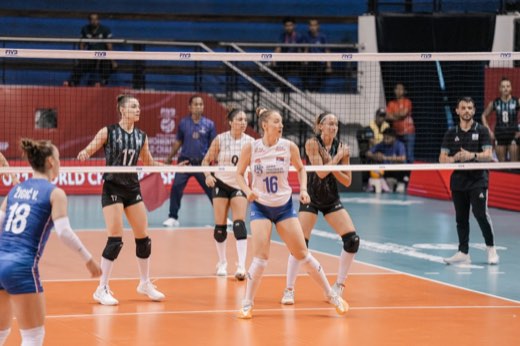
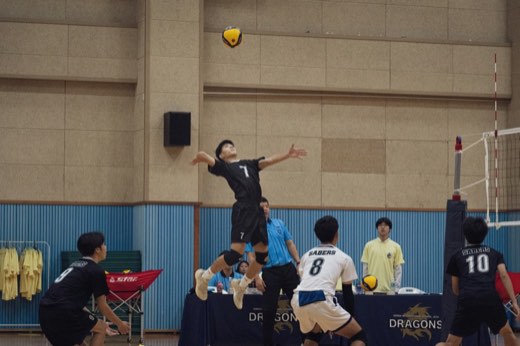
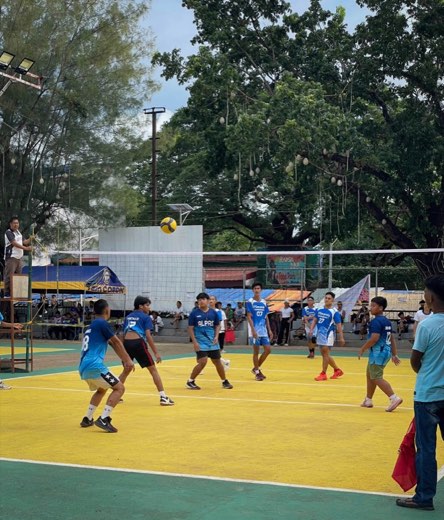
Every clip is sorted by sport, player, date and play type as you save it. Want every block from the spring season? It's two taps away.
- Filter by sport, play type, date or player
- Heart your favorites and pull them up instantly
- Long-press any clip to edit its tags, duplicate, share or delete it
- Switch between grid and list, and pinch to resize the grid
- Share, export to Photos or delete in batches
- Recently Deleted keeps clips for 7 days, in case you change your mind
 EEmma
One App for the Whole Family
Filming more than one kid? Give each one a player profile. Clips and reels stay with the right child, and switching players from the camera takes one tap.
- Up to 12 player profiles, each with its own color
- Switch players right from the camera
- Move a clip to a different player any time
- Filter clips and build reels one player at a time
Turn the Season Into a Reel Worth Sharing
Pick your best clips, line them up on a timeline, trim each one to the exact moment, set it to music, and export a finished reel to Photos. No laptop, no editing software.
Drag to Reorder
Hold any clip and drag it to a new spot on the timeline.
Trim to the Moment
Drag the handles to cut the wait before the serve and end right after the point.
Set It to Music
Drop songs on the music lane under your clips, then move, trim and fade each one.
Zoom and Pan Each Clip
Filmed from the top of the bleachers? Pinch to zoom in on your athlete and drag to frame the shot.
Export to Photos
Save a share-ready video to your camera roll, then post it or send it to the grandparents.
Balance the Sound
Set the music and your clips' own sound separately, so the crowd still comes through.
Smart Clip Picker
Filter by sport, date and player to find the right clips fast.
Saved Reels
Every reel is saved, so you can come back and keep editing.
Made for Each Player
Assign a reel to a player and the cover fills in their name.
One App for Every Sport
Switch sports any time. Each sport has its own play types, and every clip remembers which sport it belongs to.
Start Free.
Go Pro for the Reels.
Recording, tagging and organizing are free. Pro unlocks the Highlight Reel Maker and removes the monthly limit.
Free
Record, tag and organize
- Record and tag plays in all 6 sports
- Save up to 20 clips a month
- Record in 720p or 1080p at 30fps
- 120+ play types plus your own custom tags
- Gallery filters and favorites
- Up to 12 player profiles
- Bluetooth remote and import from Photos
- Backup and transfer to a new phone
SportReels Pro PRO
Monthly or yearly. Cancel anytime.
- Everything in Free
- Unlimited saves
- Highlight Reel Maker with music, covers, transitions and reel shapes
- Record in 4K and at 60fps
- Trim clips
- Export and share to Photos
- Replay before saving
Subscribe in the app. Current prices are shown in the App Store.
Questions From Parents
Are my videos uploaded anywhere?
No. Your clips are stored on your iPhone, inside SportReels. Nothing is posted or added to Photos until you choose to export or share it.
I have more than one kid. Can I keep their clips separate?
Yes. Add up to 12 player profiles. Each clip and reel belongs to a player, so you can filter clips, switch players from the camera, and build a reel for one child at a time.
Which sports does it work with?
Volleyball, tennis, soccer, basketball, football and baseball, each with its own play types. If your athlete's position needs something different, create your own tags.
What's free, and what's in Pro?
Recording, tagging, the gallery, custom tags and player profiles are free, with up to 20 saved clips a month. Pro adds unlimited saves, the Highlight Reel Maker with music, 4K and 60fps recording, trimming, and export to Photos.
Can I add music to a reel?
Yes. The Highlight Reel Maker comes with 10 built-in songs, and you can add as many as you like to a reel. Move and trim each song, set its volume, fade it in or out, and turn your clips' own sound up or down. Every song marks its first beat drop so you can line up a big play with it. The music is saved into the video you export.
What video quality can I record in?
Free records in 720p or 1080p at 30fps. Pro adds 4K and 60fps, which keeps fast plays smooth and slow-motion replays clean. Pick the resolution and frame rate from the pill at the top of the camera.
Can I move my clips to a new phone?
Yes. In Settings, Backup can export everything, videos included, so you can import it on your new device. There's also a small backup of just your tags, trim points and reels.
Can I start recording without touching my phone?
Yes. Pair a Bluetooth camera remote, or use your phone's volume buttons, to start and stop recording. It's handy when your phone is on a tripod.
Does it work on iPad?
Yes. SportReels runs on iPhone and iPad.

Ready for Their Next Big Play?
Download SportReels free and start capturing the moments you'll want to watch again.